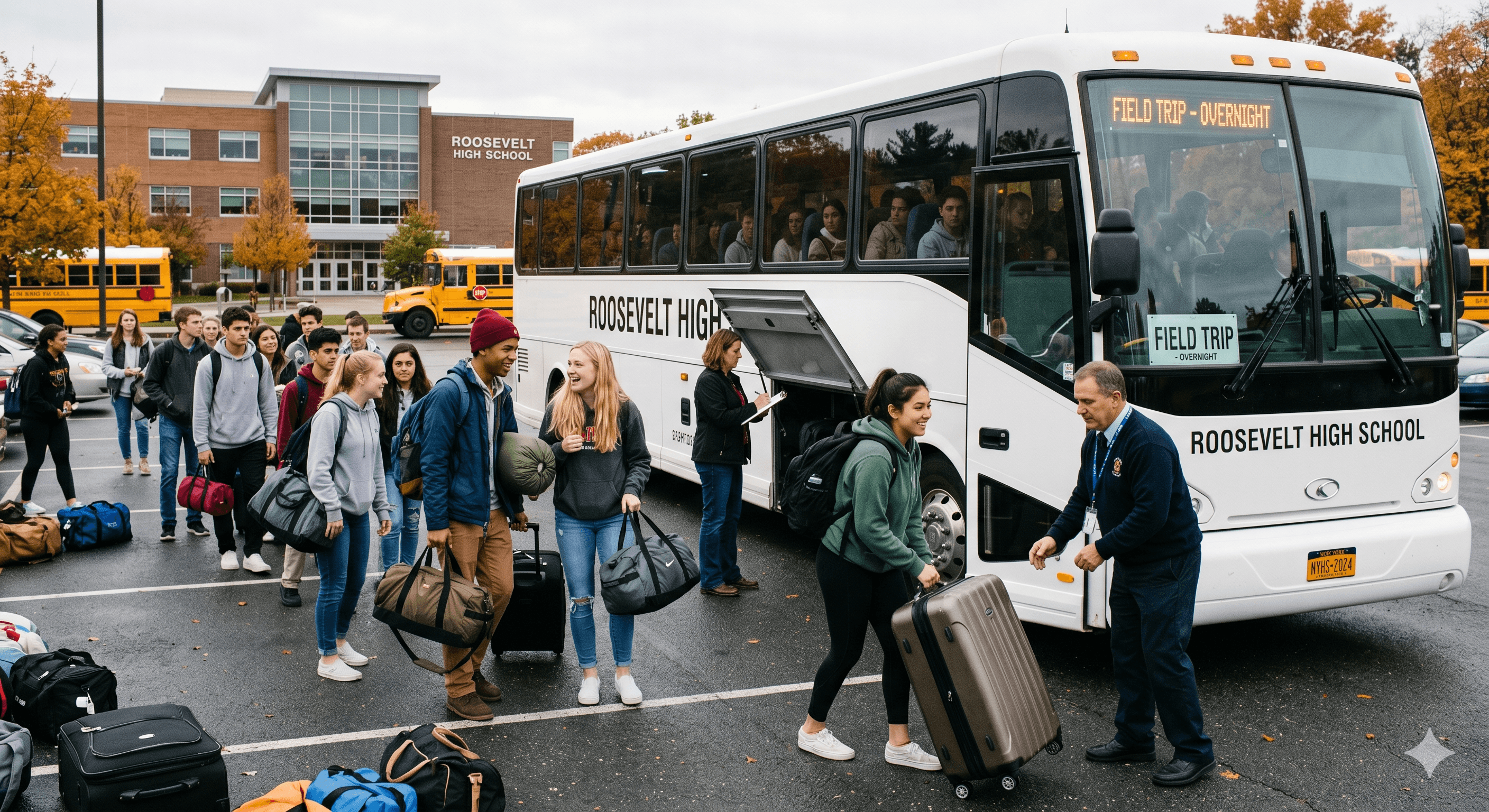
Built for school trips, student groups, and district travel teams

Keep every student trip calmer, clearer, and easier to manage.

Flock helps trip leaders see who is checked in, where groups are, who needs help, and what to do next. So when the day gets loud, your team does not have to hold everything in their heads.

Built with school nurses & trip leadersStudent location sharing only during active tripsPrivacy and school data needs handled up front
Spring DC Trip · liveStudents on a school trip
Spring DC Trip · 42 membersLive · 14:32
Roster status
38
Reporting
3
Quiet ≥10m
1
Open SOS
GROUP 03 · NURSE BAILEY9 / 9
AM
Amara Mensah
Live · 1m
BO
Ben Ortiz
Live · 1m
CL
Cora Liu
Quiet · 12m
DH
Dev Hassan
Live · 1m
EJ
Ellis Jansen
Live · 1m
JOIN CODESEXP. 06.04 · 18:00
DC · 7K2P
Group 03
8 of 9 joined
DC · 4M9R
Group 04
3 of 11 joined
Printable join cards · 1 page per group
A day on a trip

Before, during,
and after the trip,
Flock keeps the details together.

A missing student. A late bus. A medical question. A group that stopped replying. A parent asking for an update. Flock gives your team one shared place to see what matters.

  1. — THE WEEK BEFORE —
    Mon 09:00
    Trip list

    Add the trip list once.

    Names, groups, emergency contacts, allergies, medications, and notes stay together. Your team can stop hunting through spreadsheets and binders.

    Student listMedical notesEmergency contacts
  2. — THE NIGHT BEFORE —
    Wed 19:00
    Join cards

    Give each student a simple code.

    Print short join codes before the trip. Students can connect without parent invite confusion or last-minute password problems.

    Printable cardsSimple setupEnds with the trip
  3. — LOAD THE BUSES —
    Thu 06:42
    Bus check-in

    Know who is on each bus.

    Trip leaders check students in by bus or group. Missing students stand out before the bus leaves, not after.

    Tap to check inBus list
  4. — ON THE GROUND —
    Thu 11:08
    Group location

    See where groups are moving.

    Trip leaders see who is sharing location, who has gone quiet, and where help is needed on one simple map. No digging through texts. No guessing who has the latest update.

    Simple mapQuiet alertsTeam messages
  5. — THE MOMENT IT MATTERS —
    Thu 14:32
    Help request

    A student asks for help. Your team sees what matters.

    Location, nearby leaders, emergency contacts, and key medical notes appear in one place. Everyone working the issue can stay on the same page until it is resolved.

    One-tap helpMedical notesClear handoff
  6. — HEADING HOME —
    Thu 17:10
    Final check

    Close the loop before everyone heads home.

    Final check-ins, notes, messages, and actions are saved. Your team has a clear record instead of scattered screenshots and paper notes.

    Final check-inTrip notesSaved record
Why we built it
“The hardest part of a trip is not the itinerary. It is holding forty-two students, eight adult leaders, medical notes, and a bus schedule in your head at the same time. Flock helps carry that load.
— Student travel director, youth-serving organization
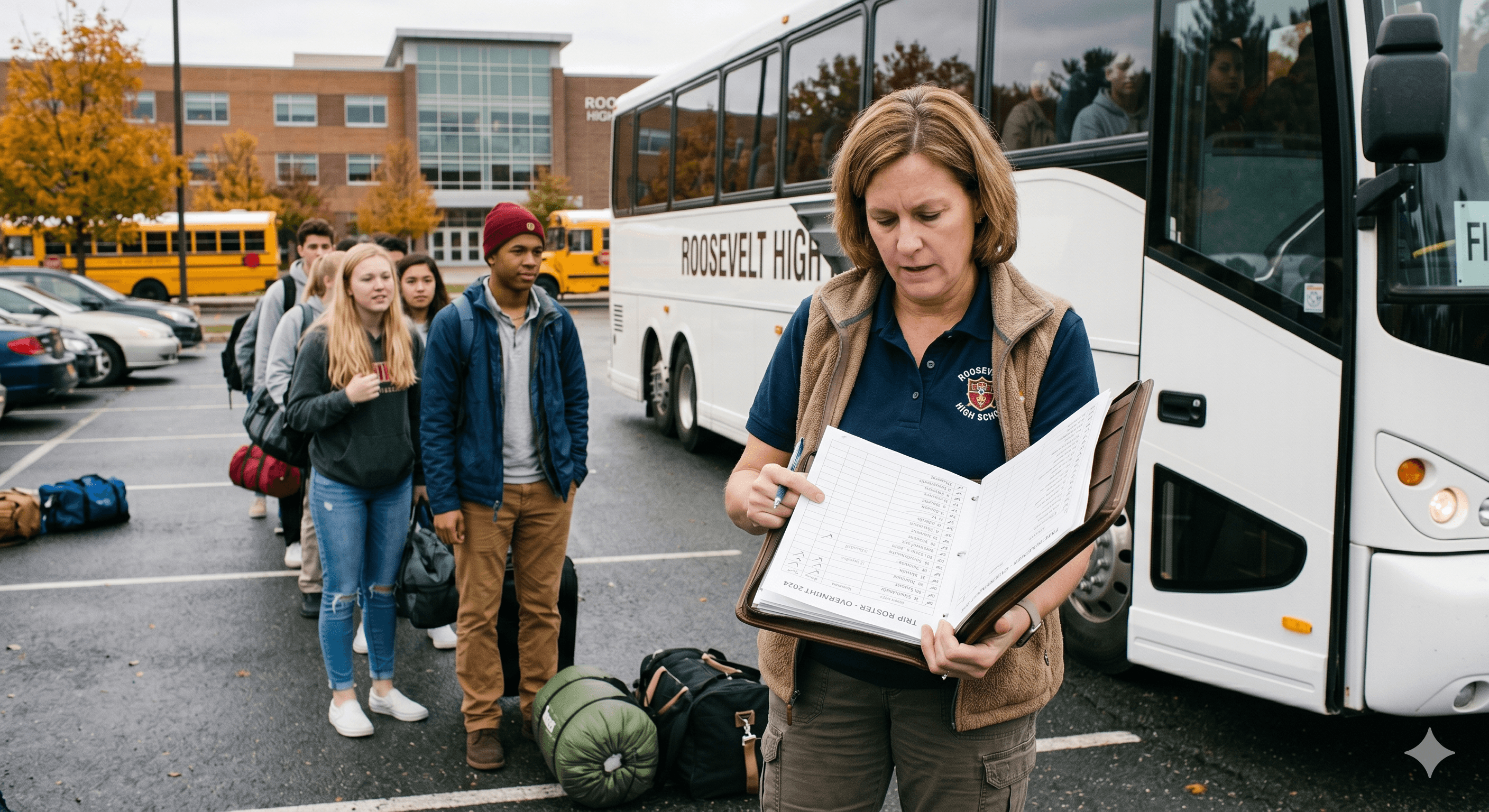
Trip leader at work with a clipboard, a walkie, and a bus in the background
What's in the product

Everything your team needs
when the plan changes.

Keep students, staff, medical needs, messages, and trip records in one place. The goal is simple: less mental juggling, fewer scattered updates, and faster decisions when something changes.

01 / Student and group location● LIVE

See where students and groups are during the trip.

A clear map shows who is nearby, who has gone quiet, and where help may be needed. It is built for quick decisions, not map-watching all day.

02 / Help requests● ALERT

Students can ask for help with one tap.

Leaders get the details they need fast: location, nearby staff, emergency contacts, and key medical notes. No long text thread required.

OPENED
14:32:08
STUDENT
J. Torres · Gr 9
STATUS
Leader en route
03 / Roster

Keep the full trip roster in one place.

Names, groups, contacts, allergies, medications, and notes stay together so your team is not switching between spreadsheets and binders.

AM
Amara Mensah
Gr 9
BO
Ben Ortiz
Gr 9
CL
Cora Liu
EpiPen
04 / Join codes

Give each student a short code.

Every student gets their own code. No shared logins, no confusing setup, and no last-minute password scramble.

DC · 7K2P
J. Torres · Gr 9
DC · 3M9X
A. Mensah · Gr 9
05 / Medical notes

Put key medical details in the right hands.

Nurses and approved leaders can see the information they need. Chaperones see only what applies to their role.

Anaphylaxis · peanutEpiPen Jr.Inhaler · albuterolType 1 · pumpAllergy · latexConcussion 1mo
06 / Trip messages

Keep trip updates out of personal group texts.

Create chats for the full trip, a smaller group, or staff only. Key updates stay with the trip instead of getting lost on someone's phone.

MB
Headcount at the monument: 11/11.
14:08
JR
Group 4 moving to lunch site now.
14:09
07 / Admin and organization view

See active trips and understand what happened.

Admins can review rosters, approve trips, see active travel, and look back at what happened after the day is done, whether they oversee one school, one program, or a whole network.

ACTIVE TRIPS
7
STUDENTS OUT
312
OPEN SOS
0
Trust center

Built for the questions
responsible teams have to ask.

Flock is designed for student trips, not general tracking. Location sharing is tied to the trip window, and schools and organizations stay in control of student data.

Read the trust center
Access by role

Each person sees only what they need.

A nurse, trip leader, volunteer, chaperone, and admin should not all have the same view. Flock keeps sensitive details limited to approved people.

Trip-only location

Location sharing is tied to the trip.

Flock is designed for active student trips, not everyday tracking. Location sharing starts and stops around the trip your team created.

Clear records

Your team can review what happened later.

Check-ins, help requests, medical views, and key messages can be reviewed after the trip, so staff are not piecing the day together from memory.

Team-controlled data

Privacy questions come up before launch.

We help schools and youth organizations review student privacy, parent notice, data use, and record requests before students join a trip.

TRUST PACKET

Privacy policy, data agreement summary, security overview, vendor list, data retention notes, and parent notice language.

REVIEW TRUST AND PRIVACY DETAILS →
Get access

Start with one trip,
or support every trip your team runs.

Start with a single trip, one school, one organization, or a multi-site rollout. There is no per-seat charge for leaders, chaperones, nurses, volunteers, or admins.

Single trip
$2.40 · per student-day

Best for one upcoming trip.

  • Up to 100 students, 30 staff
  • Live location during the trip
  • Help requests
  • Rosters and medical notes
  • Printable join cards
  • Business-hours support
Start with one trip
Multi-site
Custom

Best for districts, councils, networks, and multi-site youth programs.

  • System-wide trip dashboard
  • Login options like Google or Microsoft
  • Custom privacy and legal review
  • Annual activity and safety report
  • Dedicated account support
Book a walkthrough
Discounts for Title I schools, scouting orgs, and partner youth-travel companies. Pilots include privacy and approval materials before students are added.
ASK ABOUT PILOTS →
Bring Flock on a trip

Tell us about
your next
student trip.

Share a few details and we will reply within one business day. Most teams start with a 25-minute walkthrough and one pilot trip.

SCHOOL / ORG
Where you work: district, school, troop, or youth-travel group.
TRIP DETAILS
Where you are going, how many students, and when it leaves.
YOUR ROLE
Trip leader, nurse, principal, district admin, or parent rep.
BIGGEST WORRY
What feels hardest to manage right now.
OR EMAIL —hello@getflock.co
Replies come from a real human, usually within a day.